COMFYUI
SUBAGENT 04 // GENERATIVE EXPLORATION

ComfyUI — Outside the Viewport

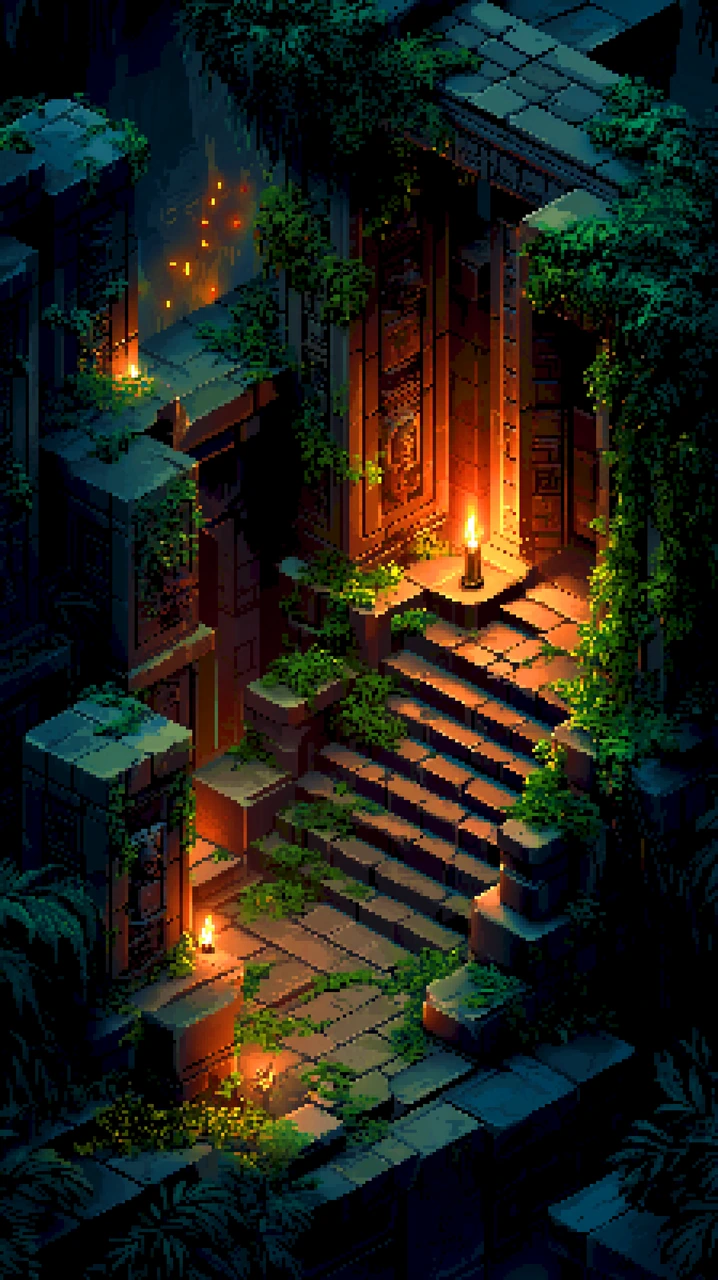
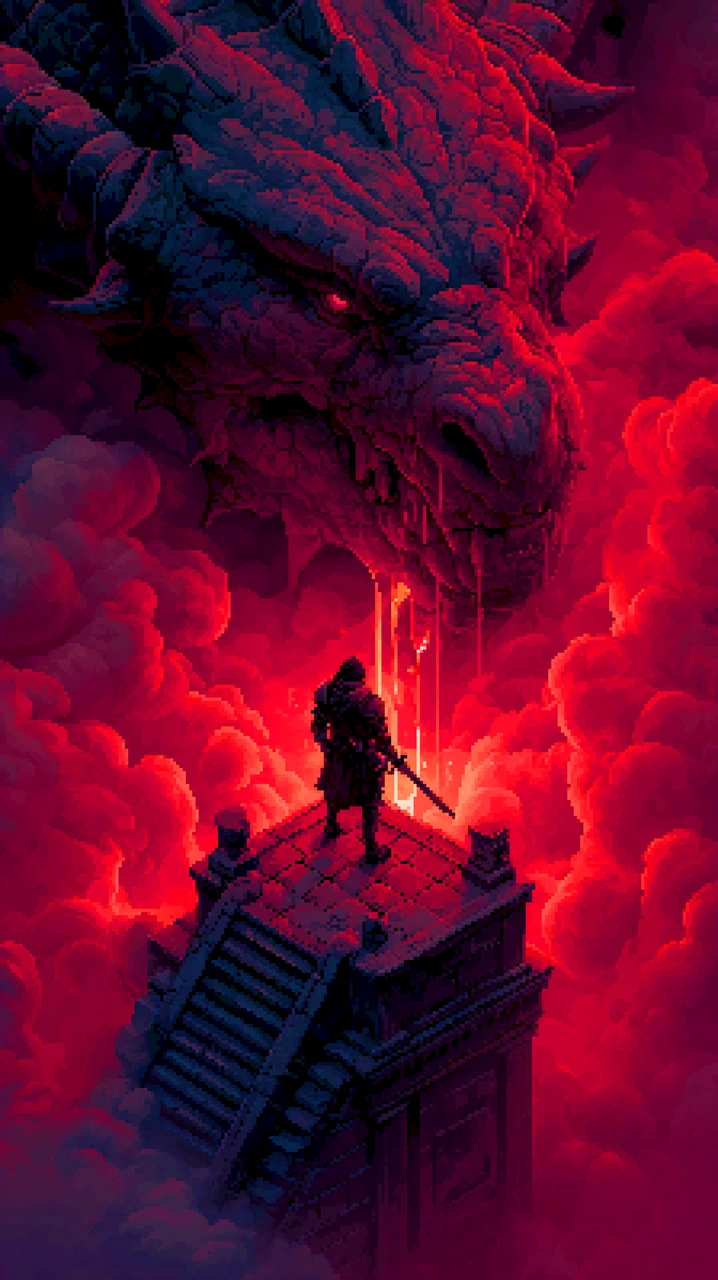
Isometric Views

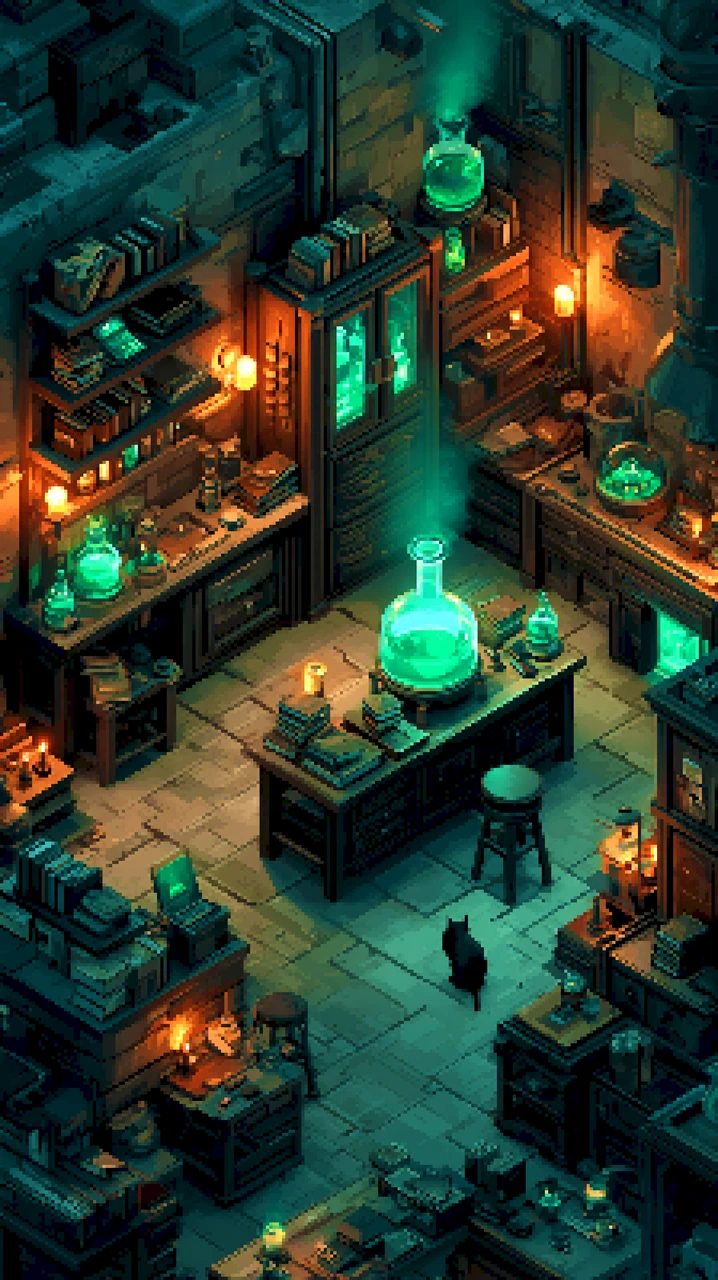
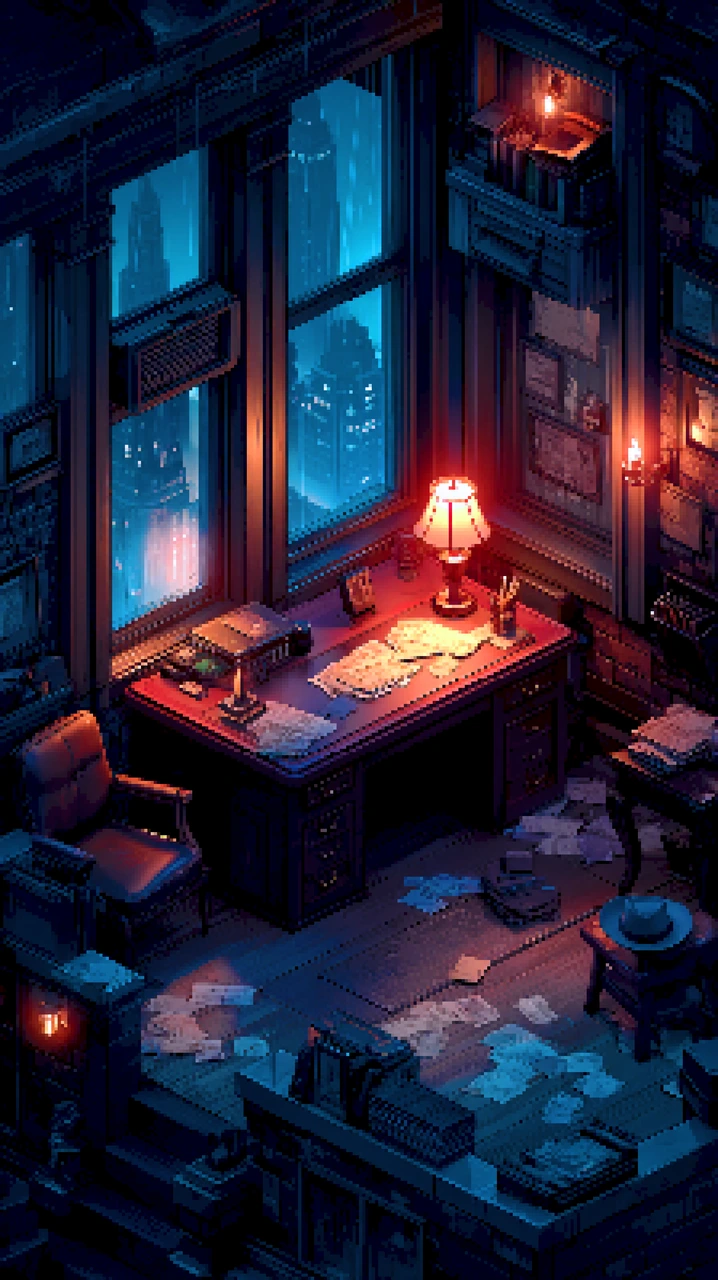
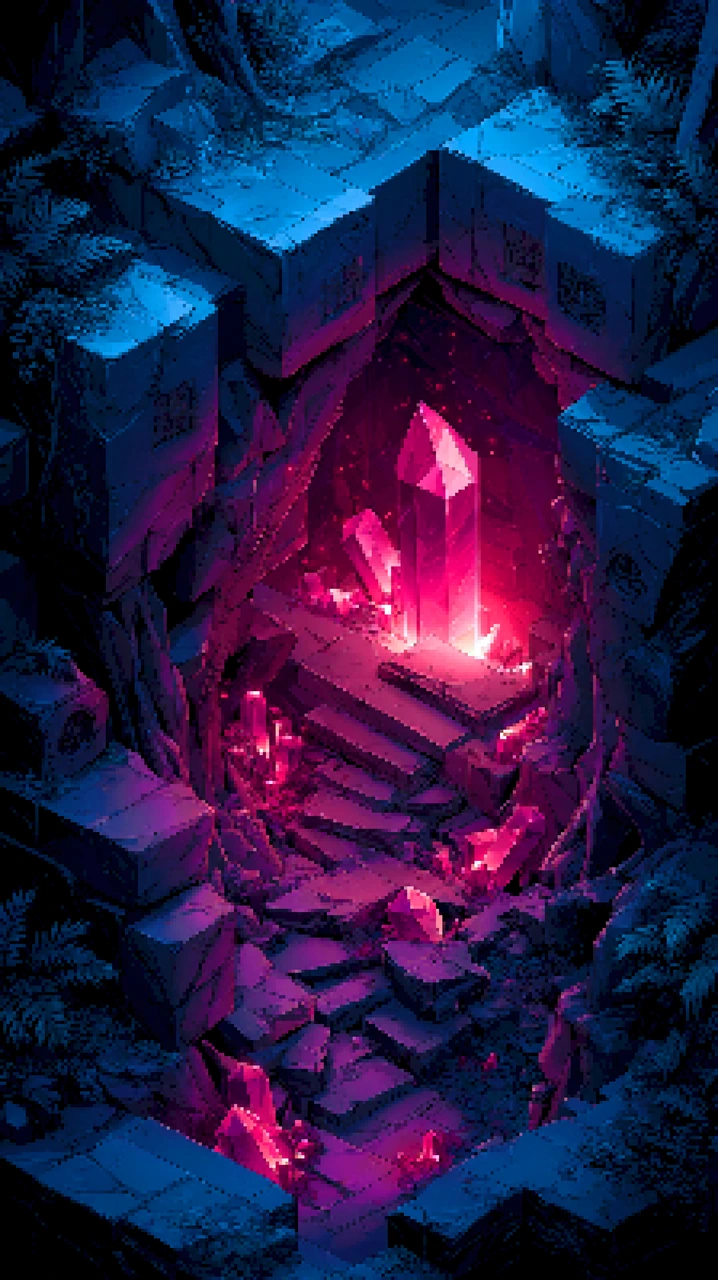
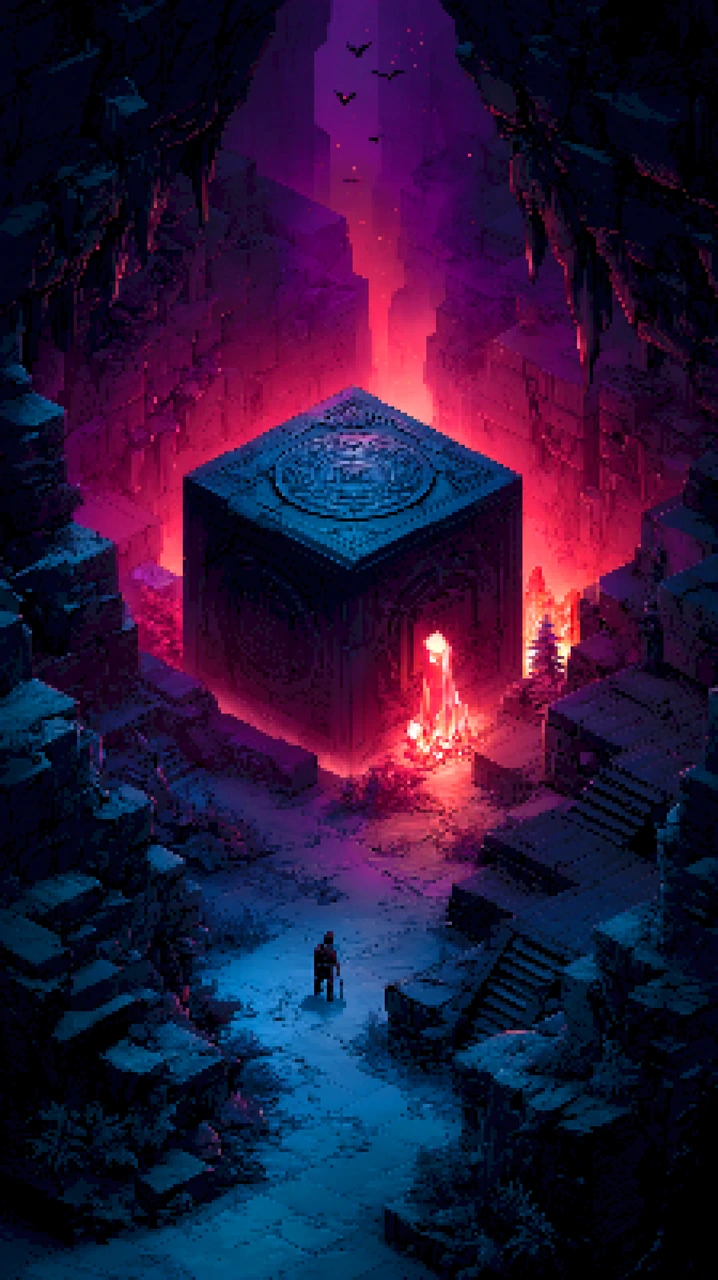
The isometric stuff is where I'm most at home, so of course I've got two workflows for it — one reliable method simply wasn't dramatic enough.

Workflow One: the essay. A very detailed prompt — we're talking paragraphs, the kind of prompt that deserves its own table of contents. And to make it work properly, it's not one model doing the whole job: two separate systems, two separate model types, merged together. The first one sets the general idea — the composition, the mood, the whole shape of the scene. The second one rolls up its sleeves and adds the details. Concept artist hands off to the finisher, effectively, except neither of them has ever invoiced me, which is the dream team right there.
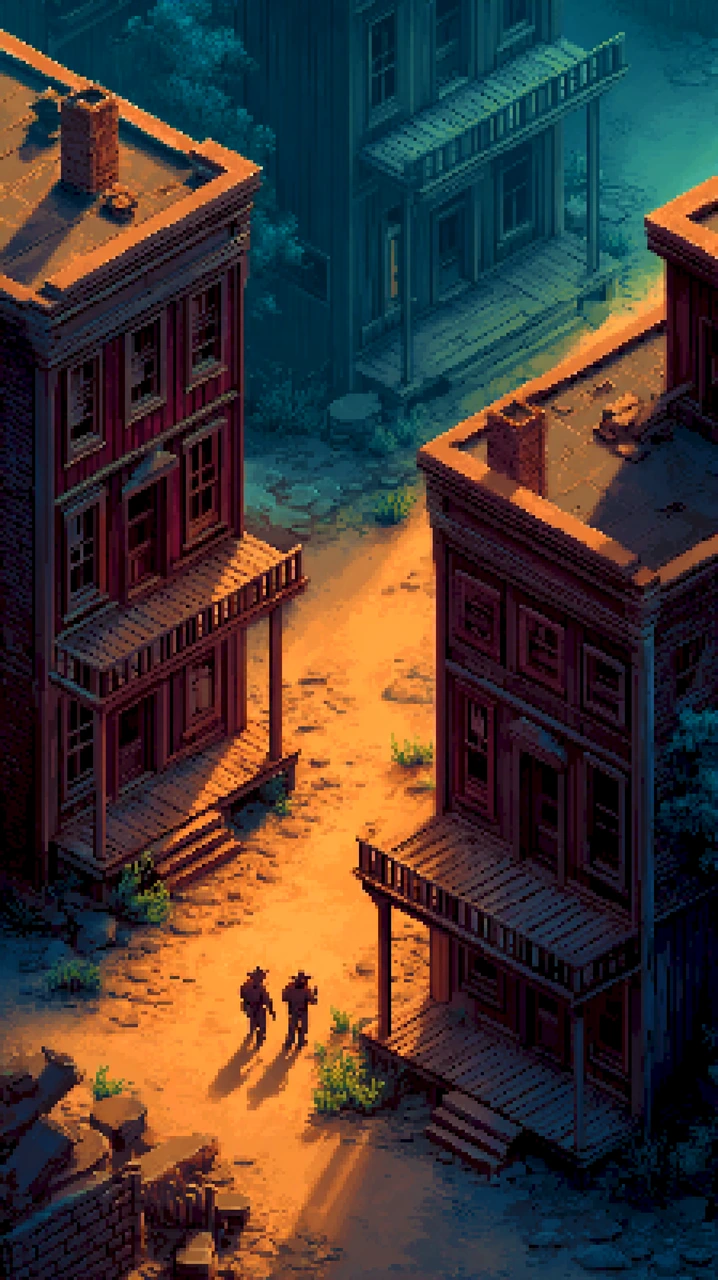
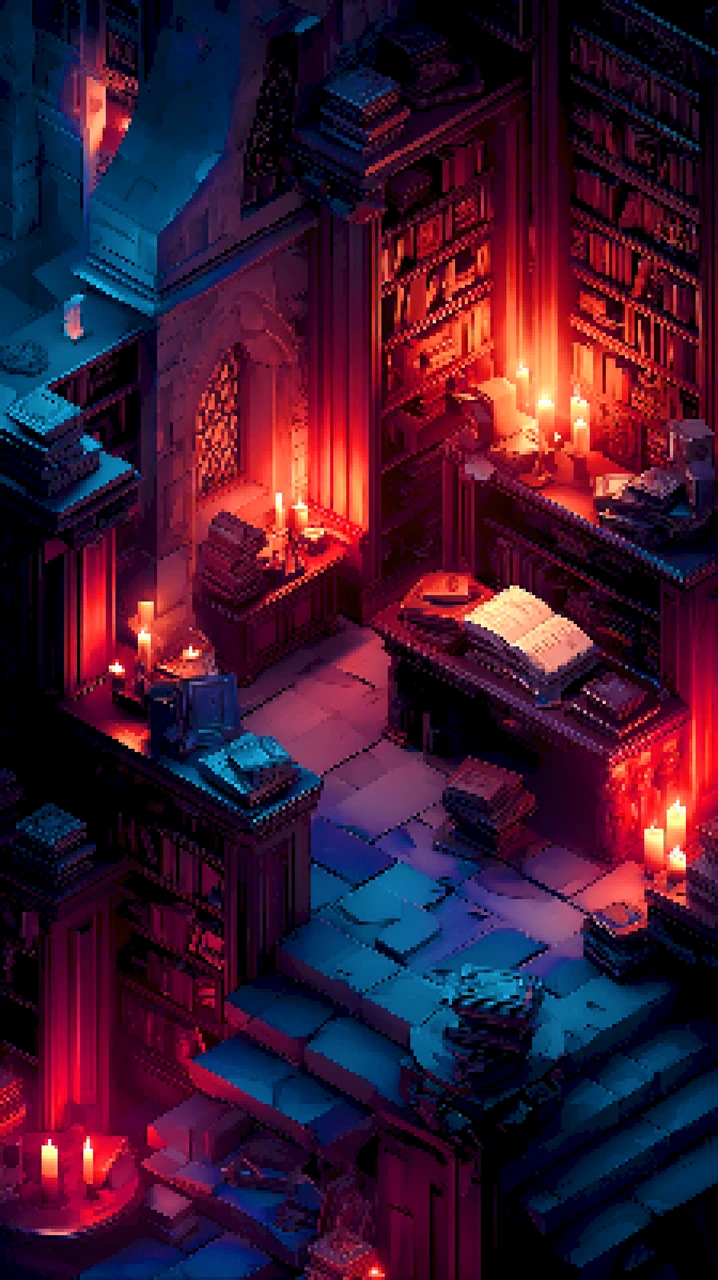
Workflow Two: the sketchbook. This one uses ControlNet to very accurately outline the details from my sketches — composition, placement, the vague shape of things — and the model is politely encouraged to colour inside my lines. It's for when I know precisely what I want, and the prompt alone would take four paragraphs and still get the wrong number of chimneys.

Between the two, I get exactly the isometric look I'm after — one workflow talks it into existence, the other draws it. Two ways to skin the same pixel cat, essentially. Either way, the chimneys come out right, and that's all I've ever asked for.

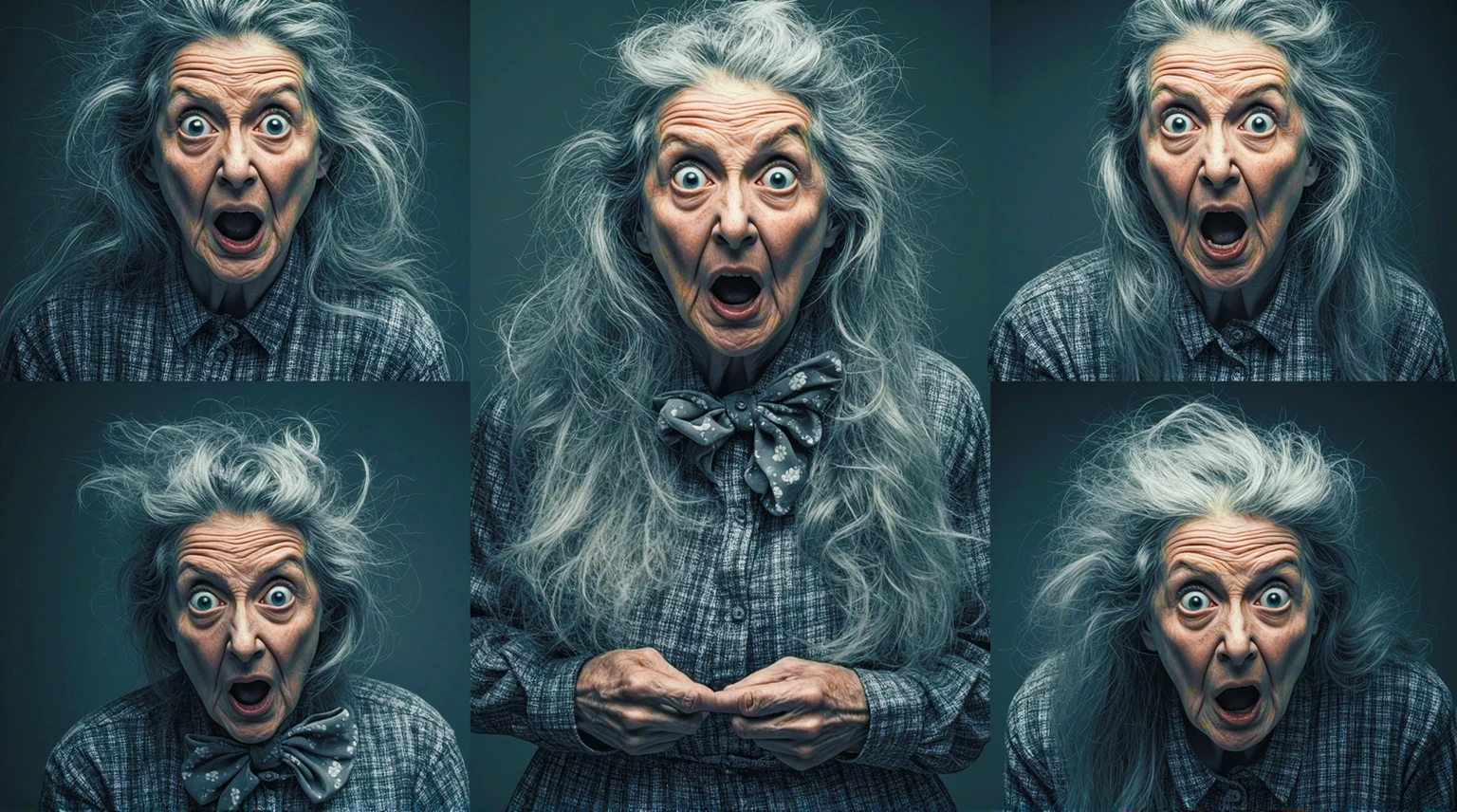
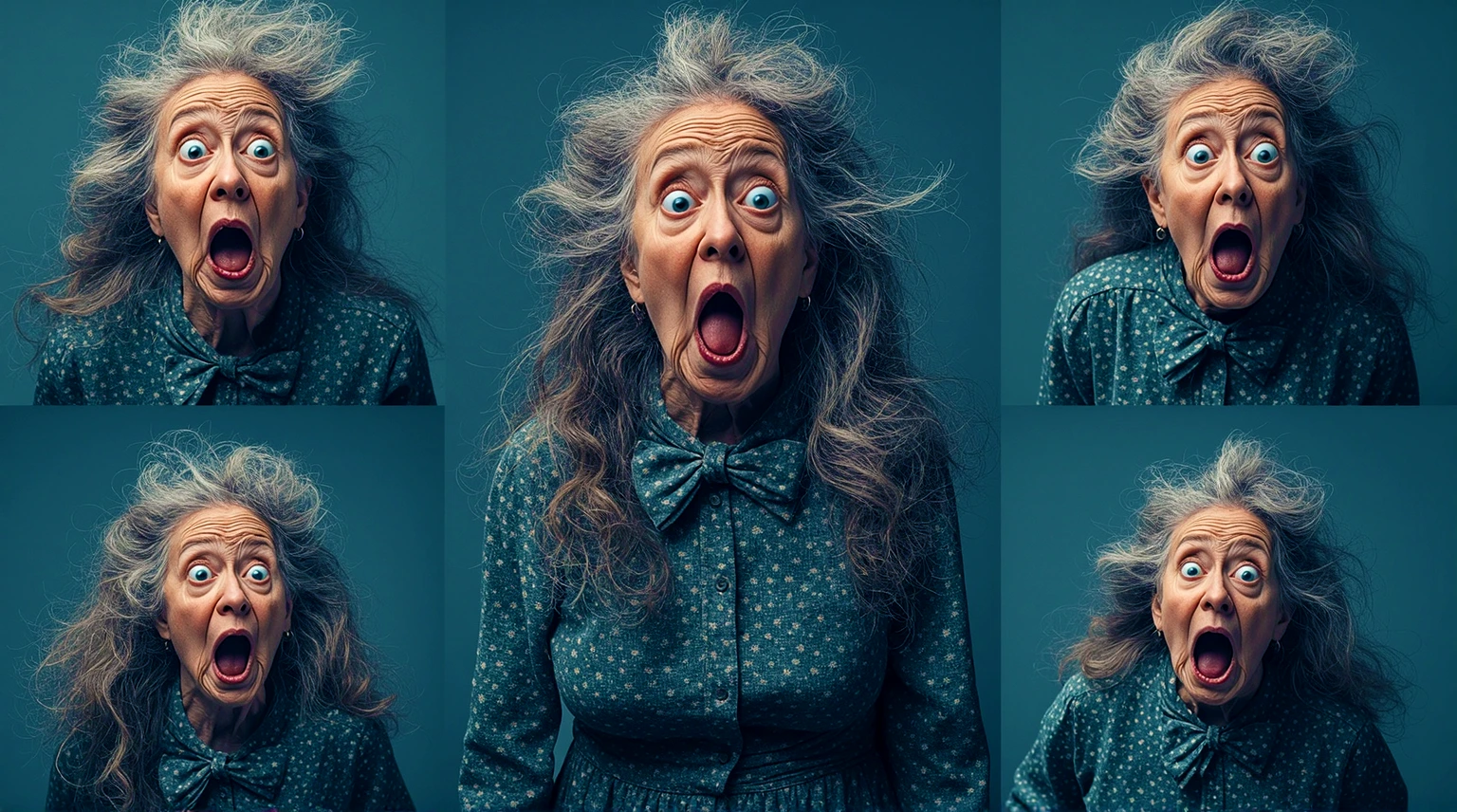
Grandma

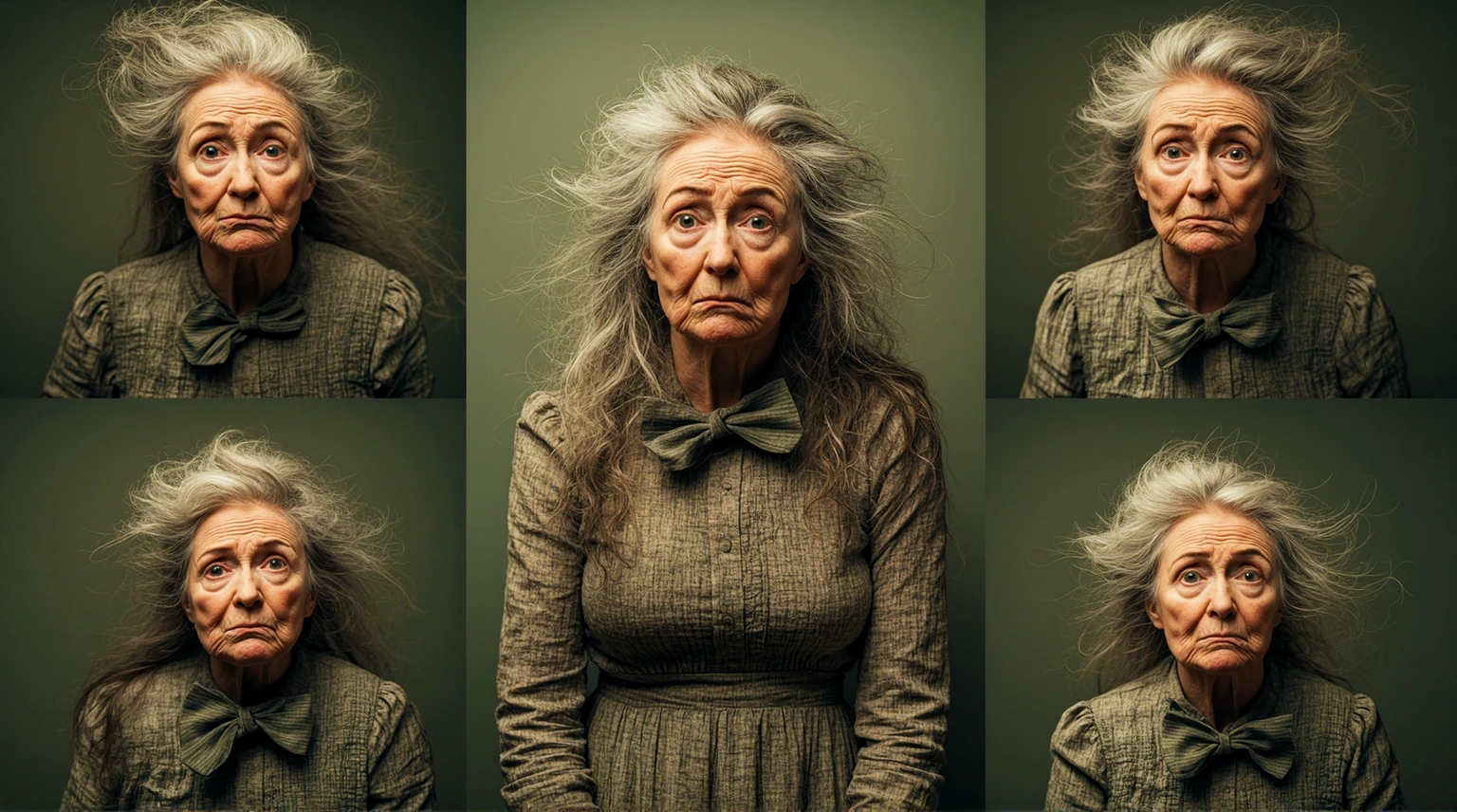
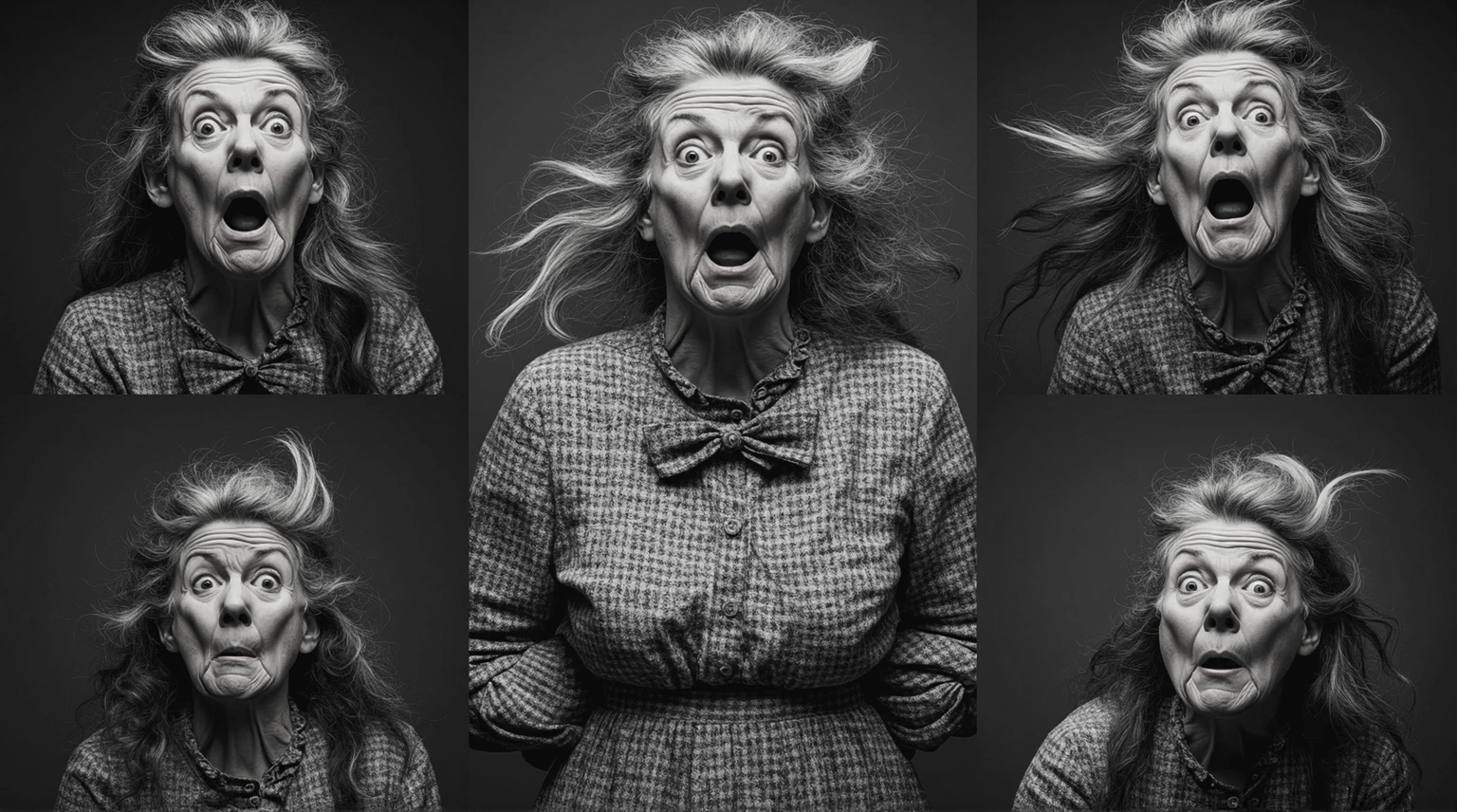
Let me be upfront about this one: it has no purpose. None whatsoever. I'd love to tell you there's a grand creative vision behind it — there isn't. The first image just came out this way, and I couldn't stop myself from generating another. Then another. It's a character sheet, the sort of thing you'd normally reserve for a game hero — except the character is a grandmother, and the sheet is her pulling faces.


What's the endgame? Animation, perhaps. A comic. A deeply niche trading card game. Honestly, I think the endgame is that it's funny — and if I had to see it, then I'm afraid you do too. Sharing is caring, even when the thing being shared is a grandmother making a silly face.

Some case studies are about learning and discovery. This one is about... this. A collection of grannies, full of opinions, rendered in painstaking detail. It taught me nothing. I regret nothing. Please enjoy — my favourite pointless achievement.

Pixel Art

This one's a bit special, because it's the only case study where I get to drag Houdini into it — as if the poor thing doesn't have enough to do already.

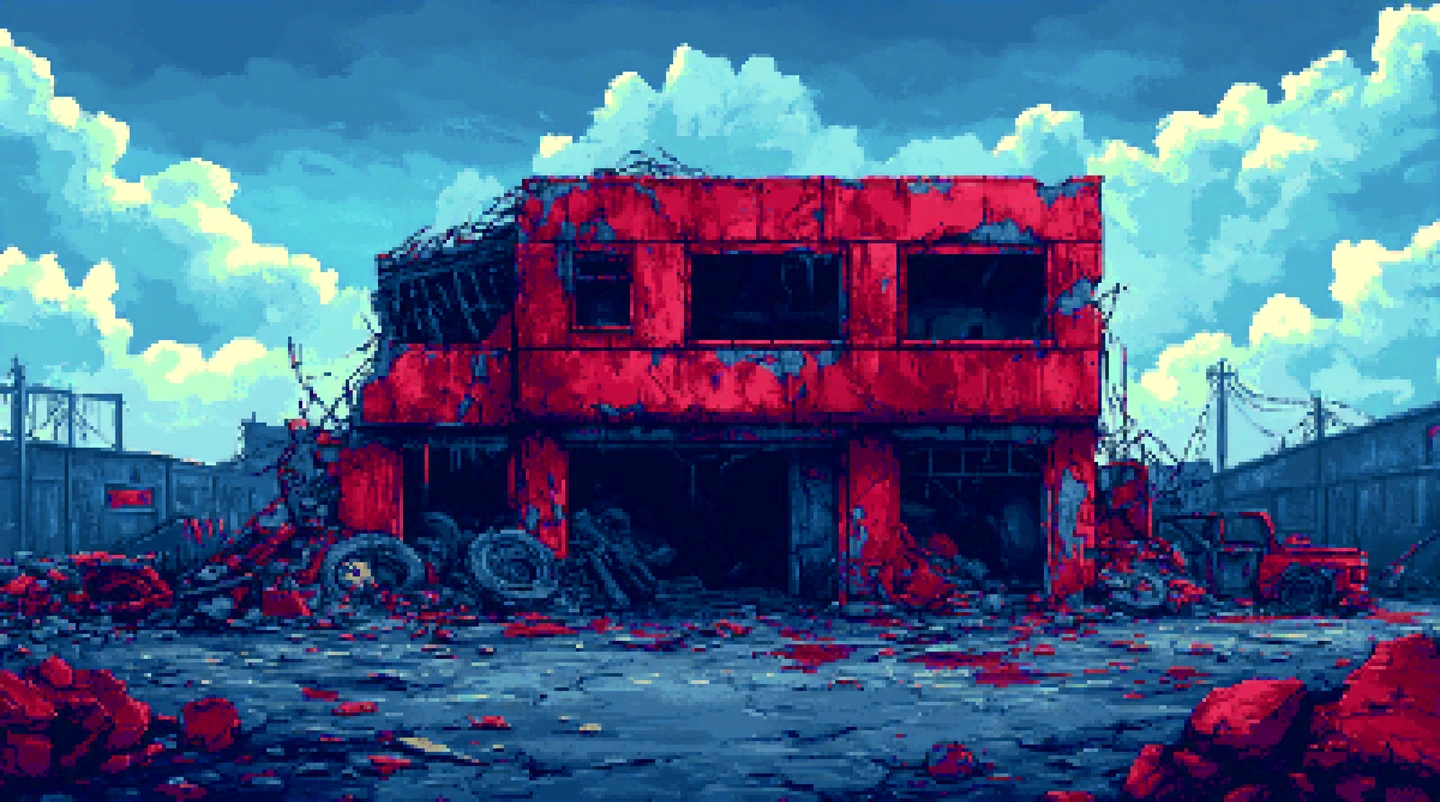
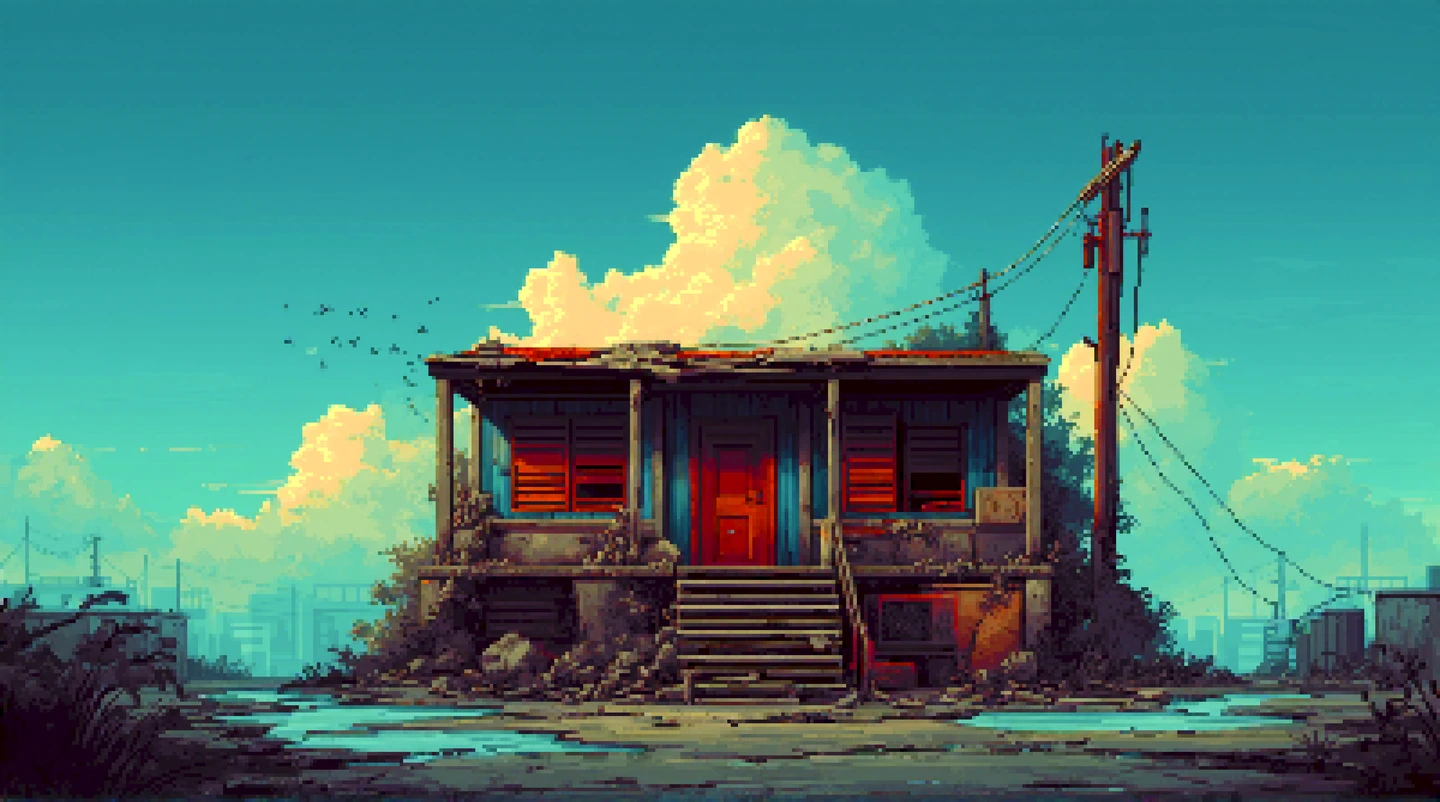
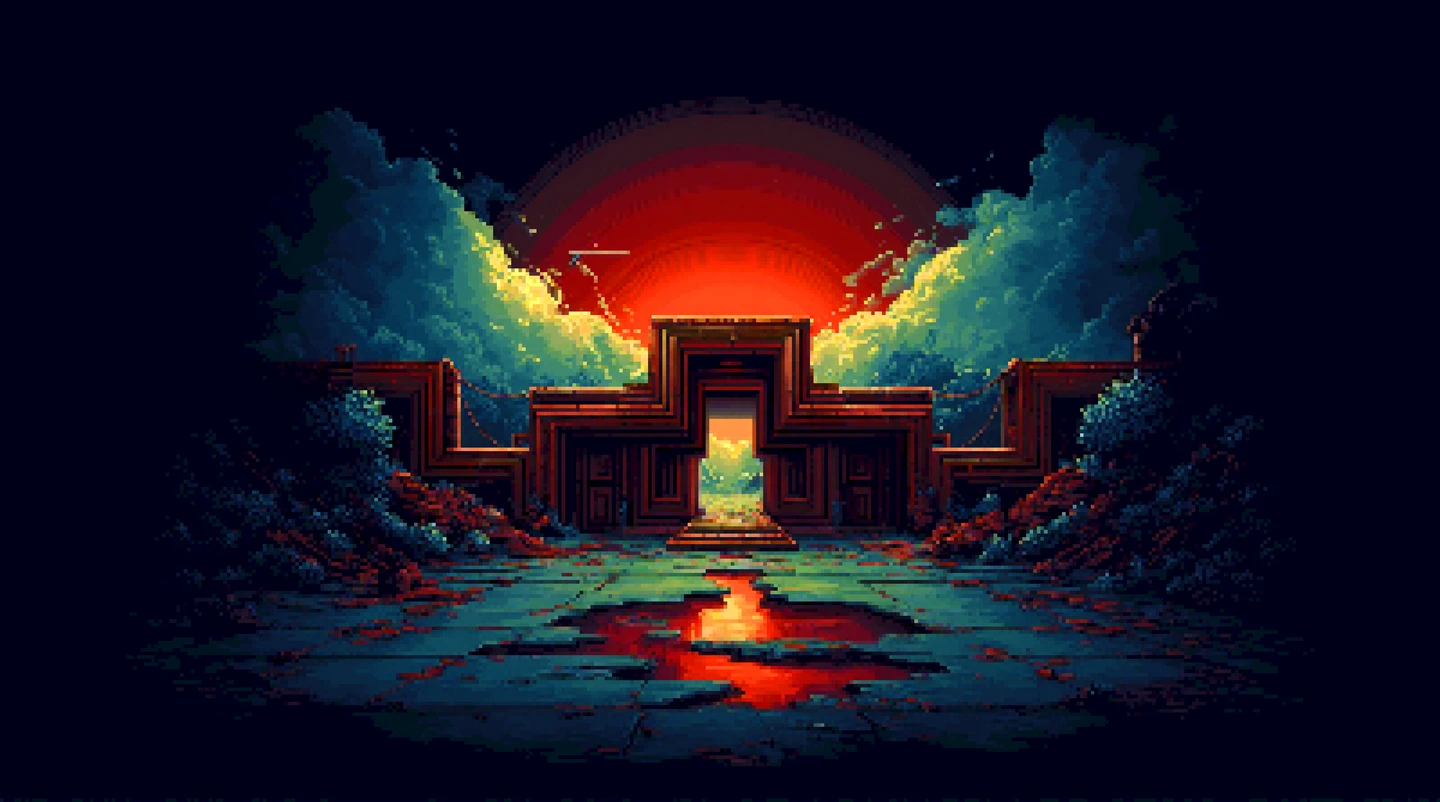
It starts in Comfy UI: a detailed prompt gets me the image as pixel art straight out of the box — no conversion, no tricks, proper pixels from the start. Then the second part of the system upscales it to catch the finer details, because even pixel art deserves a closer look. And that, ladies and gentlemen, is the entire Comfy UI contribution. Simple. Done. Over.

The rest happens in Houdini, of all places. I wrote a nice little Python tool that takes the image and rebuilds it as a proper pixelated image on a real, grid-based layout — not a filter pretending to be pixels, but actual grid cells. It gives me full control: how dense the grid is, the export size, the DPI, and a chance to tweak the image before it ever leaves Houdini. Because if you're going to pixelate something, you should at least be able to argue with it first.

Why Houdini, you ask? Because I had it open. And because apparently I can't leave a tool alone.

Consistency

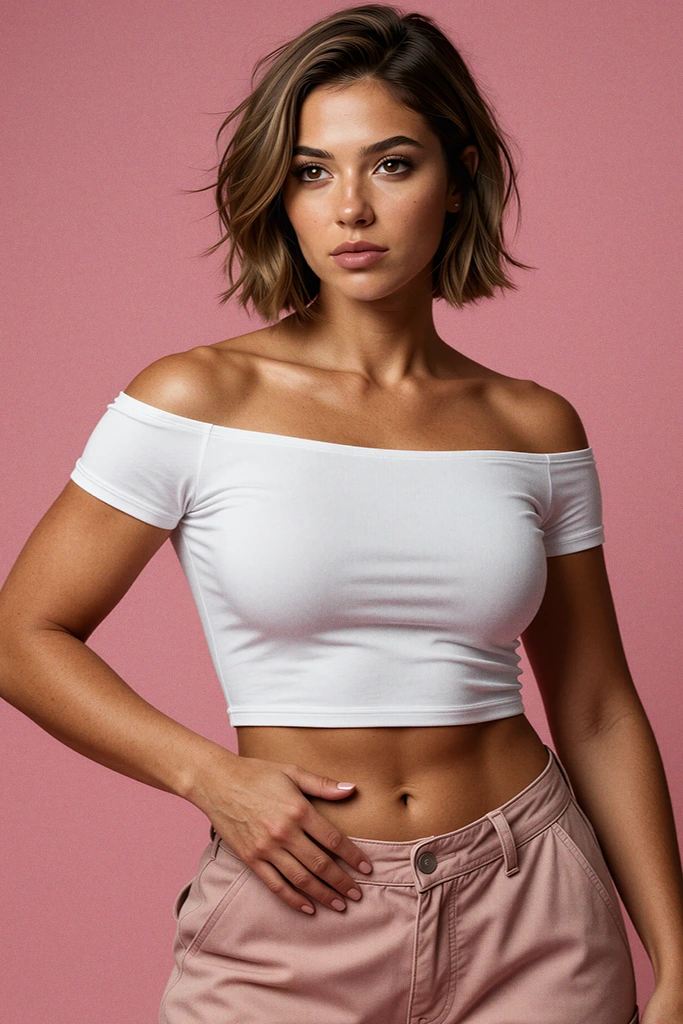
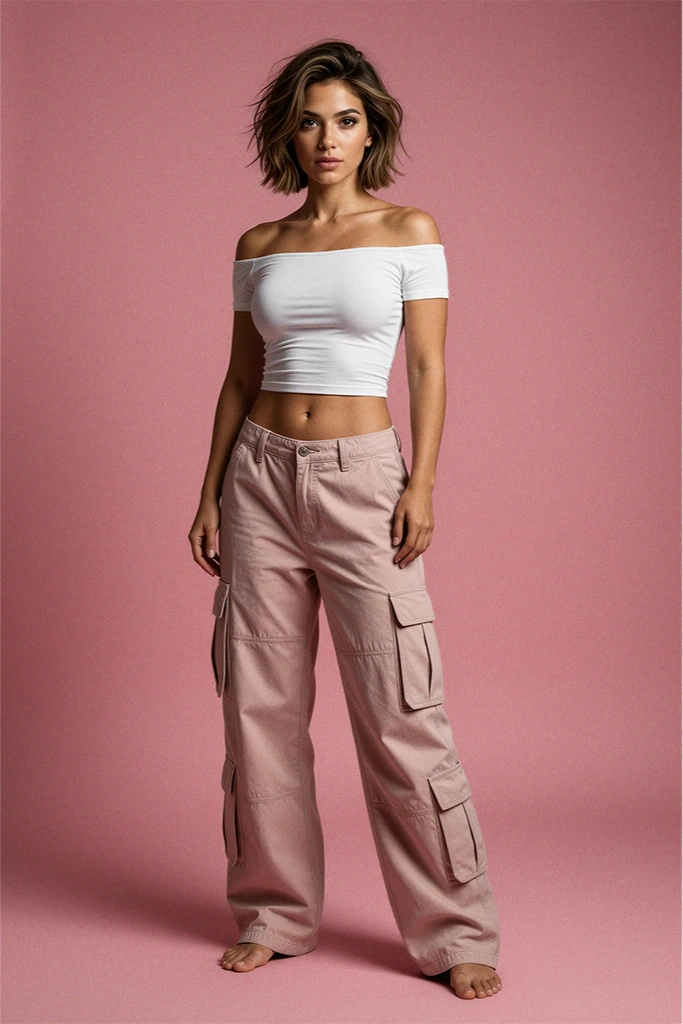
Right, so from grandmas to... this. A studio session with a girl in Comfy UI. The challenge: same background, same outfit, same face, same girl, every single time — just different poses. Which, as anyone who has stared at an AI for more than five minutes knows, is asking rather a lot. AI is brilliant at "a girl." It is considerably less brilliant at "the same girl."

So this one needed a proper system. Four parts, no skimping.

Part one: the prompt generator. A script that builds the prompt from a few variables — ethnicity, hair style, hair colour, body type, that sort of thing. I describe the outfit roughly, and the script turns it all into a proper prompt and feeds it to the first workflow, which generates the base image. No more typing out the same forty-word description and hoping the model remembers it between sessions. It won't. It never does.

Part two: the skin fix. An automated SAM system. I describe what to mask — eyes, skin, mouth, outfit, whatever needs a second chance — and it masks exactly those areas for re-generation. The prompt is universal, so I never have to change it. It knows what it's there for.

Part three: the face swap. The updated image goes to another system that uses the same SAM to find the face and hair — and literally swap them, so the character is exactly the same across every generation. It analyses the original image and swaps the face in, making sure the lighting and facial details line up properly. It's not a copy-paste; it's a transplant, and the surgeon has good hands.

Part four: upscaling and detailing. This bit explains itself, I think. It's the "make it look properly good" button, and it does exactly that.

Worth mentioning: the usual route to consistency is training a LoRA — that's what the magicians do, and even then the character isn't always one hundred percent the same. This system doesn't need a LoRA at all. Not one. That's rather the beauty of it. It has its flaws, like everything, but it also lets me swap or change the clothes whenever I fancy. Try doing that with a trained model.

And before you ask — no, it's not perfect. We're not quite at the point where a few prompts give you the same character every time, with rock-solid consistency. Perhaps there are magicians out there with a mountain of RAM and a shelf full of GPUs who manage it. With what I've got — one GPU and 64GB of RAM, running locally — this is a pretty dope system. And I'm rather proud of it.

Slack ESTABLISHING SECURE LINE

CONNECT
TO DIRECT
CHANNEL
CONNECT TO
DIRECT CHANNEL

Slack Connect is an exclusive, direct channel reserved strictly for verified clients, active partners, and approved studio commissions. For general inquiries, please use the standard Mail Connect channel.